

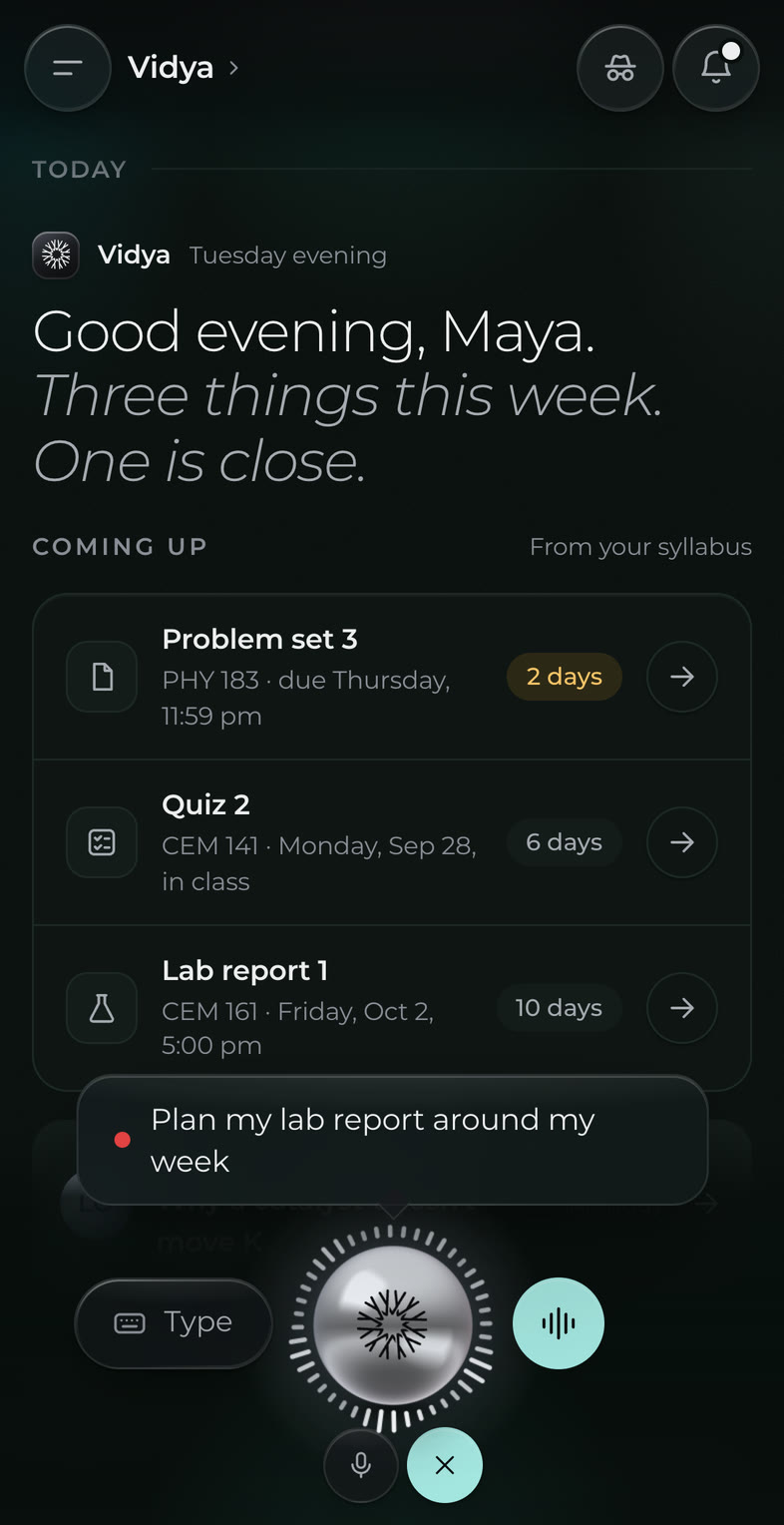
01Ask out loud
Hands-free, or tap to talk. Typing is there when you need it.
A personal companion built for everyone in education. It connects to your tools, follows your deadlines, learns how you work, and gets sharper every time you sit down with it.
Join the beta in a minute. Bringing Vidya to a university?
Most tools answer questions. Vidya learns you.
It reads your work, remembers your gaps, and shapes every session around the way you actually think. The longer you use it, the better it knows you, and your data stays yours: encrypted, never sold, and never used to train anyone else's model.
The Digital Twin, coming soon
Professors put their course into Vidya: lectures, notes, the way they actually teach. Students ask anything out loud, and the Twin answers that professor's way, showing where every claim comes from. When the course hasn't covered something, it says so and sends the question to the professor, instead of guessing under their name.
Showcase preview · in development
Talk to Vidya the way you'd talk to a friend who has your syllabus open. It checks your week, asks before it changes anything, and remembers how you learn.
Hands-free, or tap to talk. Typing is there when you need it.
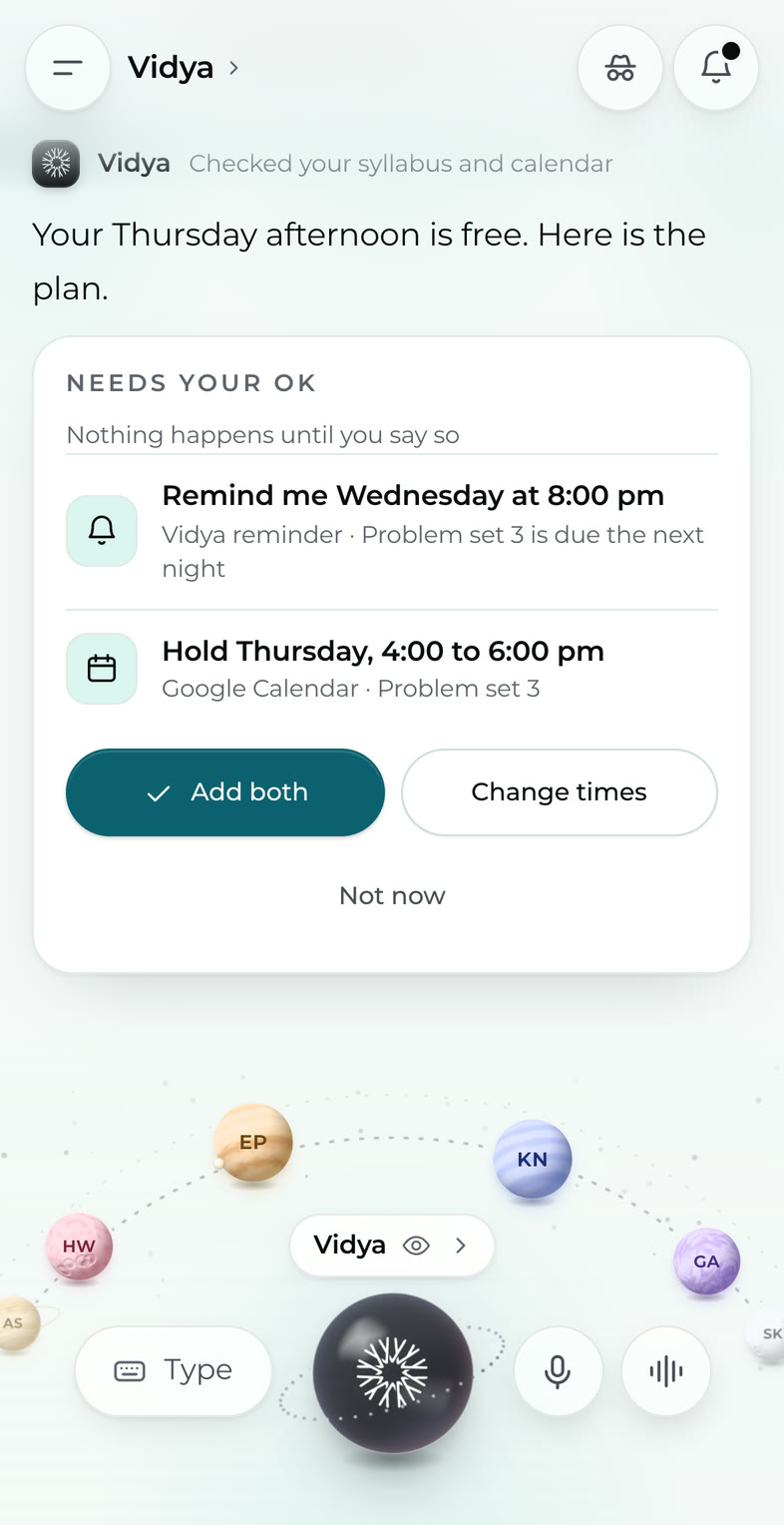
It reads your syllabus and calendar, then asks. Nothing happens until you say so.
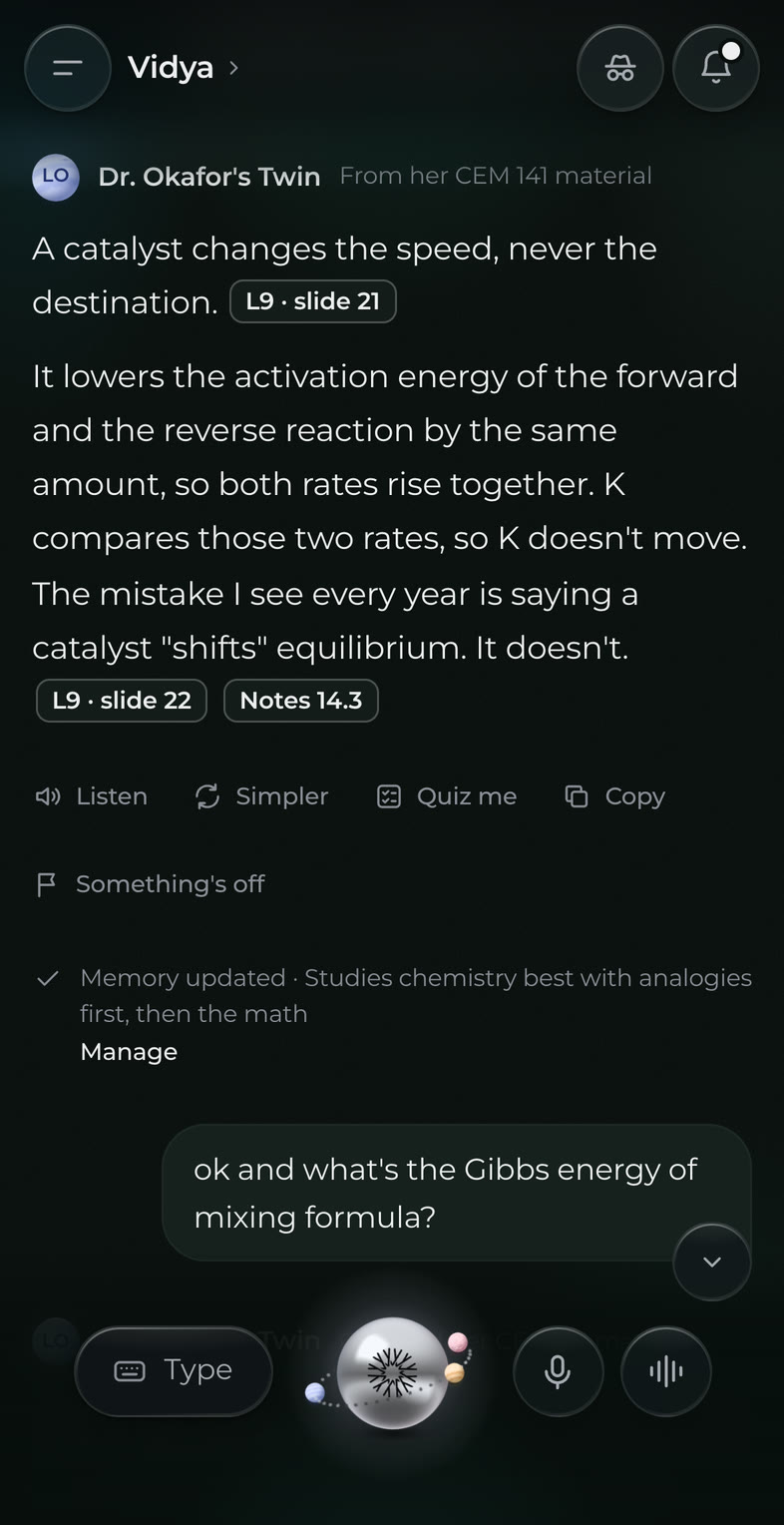
Every answer shows its source, and Vidya remembers what worked for you. You can see and change what it keeps.
Vidya plugs into the places your work already lives, and turns what arrives there into something you can act on.
What Vidya did with it
Built for students and the people who teach them, around the laws that protect education records and young learners.
Aligned means Vidya is designed to these laws’ requirements. It is not a certification or an audit. The details are in our Privacy Policy.
Your data is encrypted in transit and at rest. We never sell it, and your conversations never train models for anyone else.
Professors see topics and counts, not who asked. A name appears only when a student chooses to share it.
When a school brings Vidya in, we work as a school official under its direction, and education records are used only as the school allows.
We don’t knowingly collect anything from children under 13, and learners under 18 join with a parent’s or guardian’s permission.
See and change what Vidya remembers. Export or delete everything, any time.
The Digital Twin, the companion, the campus Mascot, and voice. One intelligence underneath, the same memory everywhere you learn.
The Digital Twin, coming soon
A professor builds a Digital Twin from their own material. Vidya answers with it: their approach, their notation, their citations. Or it refuses honestly and routes the question back to them. No guessing under a professor's name.
Explore the Digital TwinA personal companion for everyone in education. Connects to your tools. Adapts. Gets sharper.
Learn more →An AI companion that wears your institution's identity. Adapts to your colors, your voice, your mascot.
Learn more →The spoken companion. Ask out loud, hear it answered in your professor's own voice. Office hours, without the hours.
Learn more →Every tool holds one piece of your work. Your syllabus has the deadlines. Your drive has the files. Your inbox has everything else. Nothing puts it together.
Vidya does. One companion that sees the whole picture, remembers what you struggle with, and gets sharper the longer you use it.
Built by people still inside the system they are fixing.
Vidya is a personal AI companion for your work in education. It answers, explains, plans, and remembers, and it would rather help you actually understand something than just hand you the answer. It connects to your tools so it knows your world, and it adapts to how you think over time.
The Digital Twin is a professor's teaching, captured inside Vidya. The professor builds it from their own material, and every answer it gives is grounded in that material, with citations. If the course hasn't covered something, it says so honestly and routes your question to the professor. It never improvises under their name.
Soon: we're onboarding a small group of professors first. Join the beta, mention that you teach, and we'll reach out with early access when your turn comes.
At launch: Gmail, Google Calendar, Zoom, Google Docs, Notion and Reminders, plus the syllabi, notes and files you add yourself. More connections follow based on what early users actually reach for.
Yes. Your data is encrypted, never sold, and never used to train anyone else's model. Your conversations never train models either, and no professor's material is ever pooled with another's. Vidya uses your data only to help you, and you can disconnect any source at any time.
Access rolls out in waves, prioritised by how you plan to use Vidya. Reserve your spot and we will email you the moment your seat is ready.
ChatGPT answers a question and forgets you. Vidya remembers: your courses, your deadlines, where you got stuck, and what finally made it click. It prefers building your understanding over handing you answers. And where your professor has built a Digital Twin, Vidya answers from their actual course, cited, instead of guessing.
Access rolls out in waves. Reserve your seat and we will email you when it is ready.
No spam · one email when your seat opens